Interactive Smart Board Malaysia: 7 Things to Check Before Buying in 2026
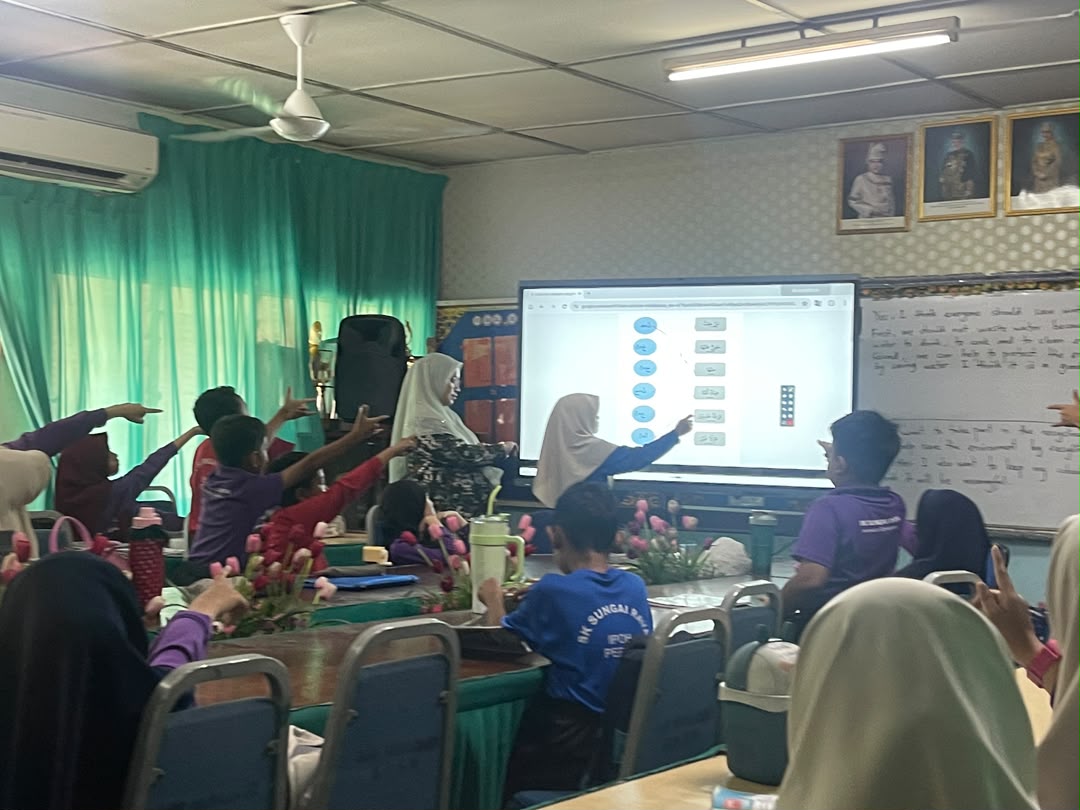
Interactive smart boards are becoming a practical replacement for traditional projectors, whiteboards and separate video-conferencing displays in Malaysian classrooms, meeting rooms, training centres and government facilities.
But choosing the right interactive smart board is not simply about buying the biggest screen available.
Display size, touch performance, operating system, connectivity, camera and microphone capability, installation quality and after-sales support can all affect how well the system performs after installation.
If you are comparing an interactive smart board in Malaysia, here are seven important areas to check before making a purchase.
1. Choose the Right Screen Size for the Room
Screen size should match both the viewing distance and the number of people using the room.
A 75-inch interactive display can work well in smaller classrooms, discussion rooms and compact meeting spaces. An 86-inch model is often a practical choice for standard classrooms and medium-sized meeting rooms, while a 98-inch display is better suited to larger lecture rooms, boardrooms and presentation areas.
A larger display is not automatically better. If the room is small, an oversized screen can make close-range interaction uncomfortable.
Before selecting a size, consider the room dimensions, seating position, wall space and the distance between the display and the furthest viewer.
Explore the range: 75-Inch Interactive Smart Board, 86-Inch Interactive Smart Board and 98-Inch Interactive Smart Board.
2. Check the Touch Experience, Not Just the Specification Sheet
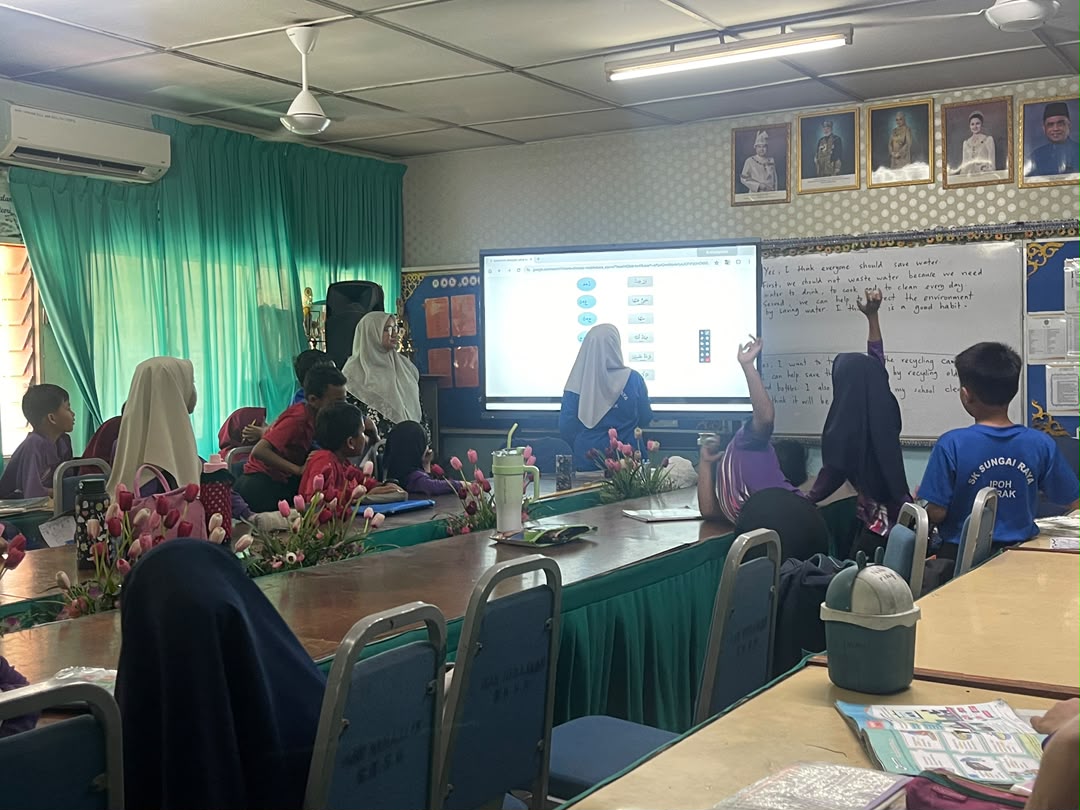
One of the biggest differences between an interactive smart board and a conventional display is the ability to interact directly with the screen.
For teaching, annotation and collaborative work, touch response should feel natural and accurate.
When comparing models, check how the board performs when writing, drawing, moving objects and using multiple touch points at the same time.
Multi-touch capability is particularly useful when several students or team members need to work on the display together.
The important question is not only how many touch points are listed in the specification. The overall writing experience, response time and accuracy should also be considered.
3. Understand the Operating System
Many modern interactive smart boards can operate through an integrated Android environment, while some configurations can also support a Windows OPS computer.
This gives users more flexibility.
Android can be useful for quick access to whiteboard functions, presentation tools and common applications without starting a separate PC.
Windows can be useful when users need desktop software, Microsoft Office applications, browser-based systems or existing corporate software.
Before purchasing, ask how the operating system will be used in your actual environment.
A school may prioritise simple classroom operation, while a corporate meeting room may require Windows-based software and video conferencing.
The best configuration depends on the workflow rather than simply choosing the highest specification.
4. Check Connectivity and Wireless Sharing
An interactive smart board should make it easy for users to connect laptops, computers and mobile devices.
Common connections may include HDMI, USB, USB-C, network connectivity and wireless screen sharing depending on the model.
For meeting rooms and classrooms, wireless presentation can be particularly useful because users do not need to keep changing cables when different people present.
Before purchasing, consider what devices will normally connect to the board.
For example, will users mainly use Windows laptops, MacBooks, tablets or smartphones?
If the display will be used in a corporate or education environment, compatibility should be checked before installation.
5. Consider Camera, Microphone and Audio Requirements
If the interactive smart board will be used for online classes, hybrid meetings or video conferencing, the camera and microphone system are important.
Some installations may use integrated camera and microphone solutions, while others may require external equipment.
The correct setup depends on the room.
A small discussion room has very different requirements from a large classroom or boardroom.
Microphone pickup distance, camera positioning, speaker performance and room acoustics should all be considered.
Instead of looking at the camera specification alone, think about whether people sitting at the back of the room can be seen and heard clearly.
Learn more about sector-specific setups: Corporate Solutions and Education Solutions.
6. Don't Ignore Installation and Wall Structure
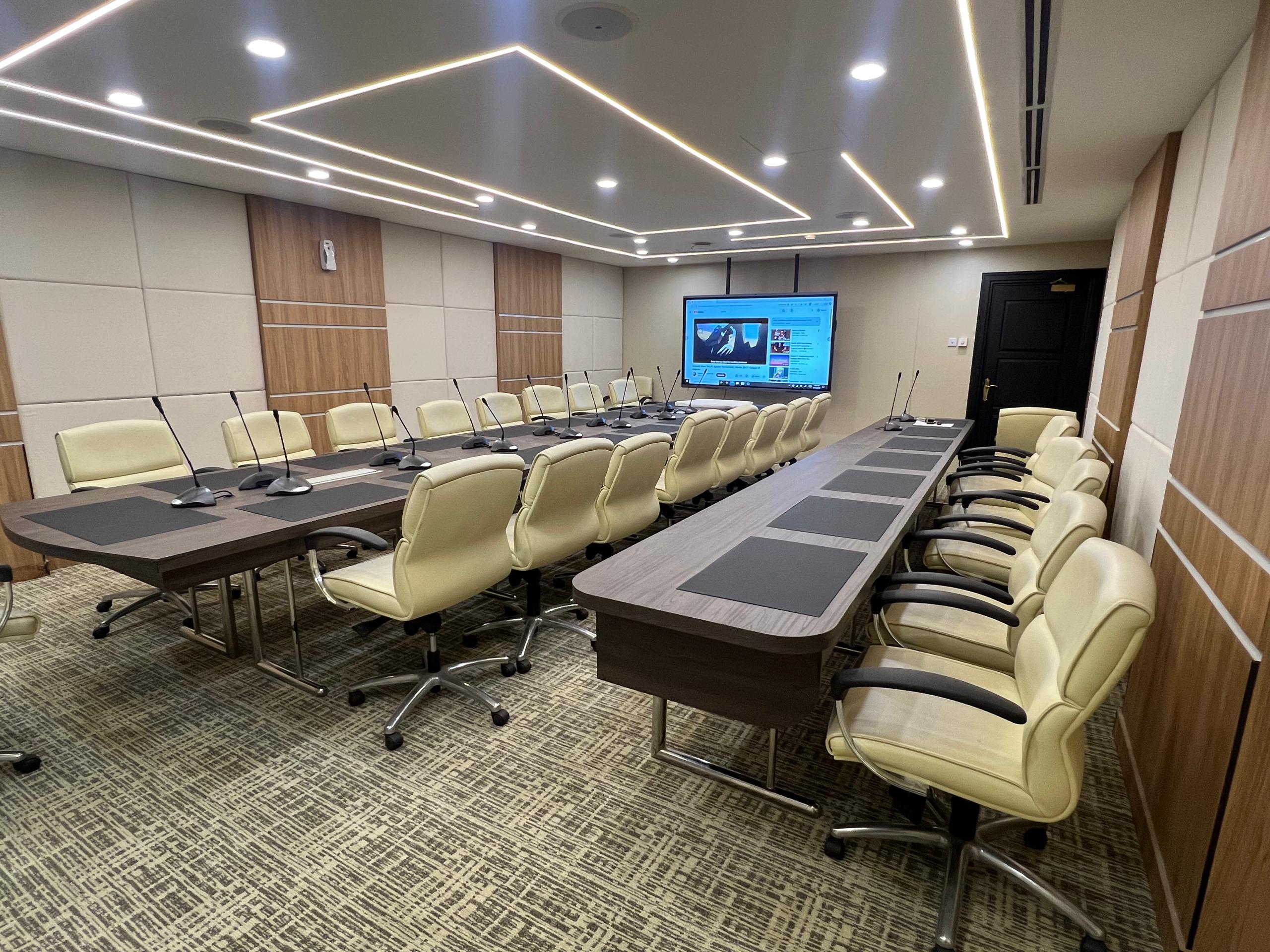
A professional interactive display installation involves more than mounting the screen on a wall.
Large interactive boards are heavy equipment. The installer should assess the mounting surface, bracket, electrical supply, cable routing and viewing height before installation.
Poor installation can create practical problems even if the display itself is good.
For example, the screen may be installed too high for comfortable touch operation, cables may remain exposed, or the wall structure may not be suitable for the selected mounting system.
For some locations, a mobile stand or specialised mounting solution may be more appropriate than a fixed wall installation.
A proper site assessment helps determine the most suitable installation method before the equipment arrives.
7. Compare Warranty, Training and After-Sales Support
The buying decision should not end with the hardware specification.
An interactive smart board becomes part of the daily workflow of a school, company or organisation. Users may need assistance with setup, software, wireless presentation, Windows integration and general operation.
This is why local support matters.
Before choosing a supplier, ask what happens after installation.
Check whether installation support is included, whether users receive basic training, what the warranty covers, and who provides technical assistance if a problem occurs.
For Malaysian organisations, working with a supplier that can provide local installation and after-sales support can reduce downtime and make deployment easier.
Which Interactive Smart Board Size Is Right for You?
For smaller rooms, a 75-inch display may provide a good balance between screen size and available wall space.
For many classrooms and meeting rooms, 86-inch is a popular practical size because it provides a larger viewing area without requiring the space of a 98-inch display.
For large boardrooms, lecture rooms and presentation areas, a 98-inch interactive smart board provides a larger visual canvas and is easier to view from further away.
However, the final choice should always consider the actual room.
MUJU Smart can help assess the intended application, room size and installation requirements before recommending a configuration.
Interactive Smart Board Applications in Malaysia
Interactive smart boards can be used across different environments.
Education institutions can use them for digital lessons, annotations and collaborative classroom activities.
Corporate users can use them for presentations, video meetings, brainstorming and document collaboration.
Government departments and training centres can use interactive displays for briefings, workshops and professional training.
Explore solutions by sector: Education Solutions, Corporate Solutions, Government Solutions and Training Centre Solutions.
FAQ
Frequently Asked Questions
Talk to MUJU Smart
Choosing an interactive smart board should start with the room and application — not just a specification sheet.
If you are planning an interactive display for a classroom, meeting room, training centre or organisation in Malaysia, Muju Smart can help you evaluate the suitable screen size and setup.
Related Products & Solutions
Related Articles
Interactive Smart Board Malaysia: Complete Buying Guide for Schools, Offices and Government
A comprehensive guide to choosing the right interactive smart board in Malaysia — covering sizes, features, and solutions for schools, corporate offices, and government departments.
Read articleInteractive Smart Board vs Projector: Best Choice for Malaysian Schools
Compare interactive smart boards and projectors for Malaysian schools. Learn why modern classrooms are adopting interactive smart board technology for better teaching and collaboration.
Read articleWhat Is an Interactive Display Board? Complete Guide for Schools and Businesses
A complete guide to interactive display boards, smart boards, and multi-touch panels — what they are, how they work, and how to choose the right one for schools, offices, and government organisations in Malaysia.
Read article