If you are researching display technology for a classroom, meeting room, or training facility in Malaysia, you have probably come across several different names for the same kind of product. You may see it called an interactive display board, an interactive smart board, an interactive flat panel, or simply a touch display. These terms are often used interchangeably by suppliers and manufacturers, and they generally refer to the same category of modern interactive display solution — a large, touch-sensitive screen that replaces the traditional whiteboard and projector with a single, all-in-one collaborative device.
This guide explains exactly what an interactive display board is, how it differs from a traditional whiteboard and a projector, the features that matter most, and how to choose the right interactive smart board for your organisation in Malaysia. Whether you are equipping a school in Kuala Lumpur, a corporate boardroom in Penang, or a government training centre in Putrajaya, the goal is the same: to help you make an informed decision before you invest. For a broader overview of the range, you can also explore our [interactive smart board products](/products) or return to the [Muju Smart homepage](/).
What Is an Interactive Display Board?
An interactive display board is a large-format touchscreen display that combines the functions of a whiteboard, a computer monitor, a presentation screen, and a video conferencing endpoint into a single integrated device. Unlike a conventional television or projector screen, an interactive display board responds to touch — letting users write, draw, annotate, and interact with digital content directly on the surface. It is the foundation of the modern smart classroom and the connected meeting room.
Today's interactive smart boards are built around a bright 4K UHD display panel that stays crisp and vivid in any lighting condition, with no bulbs to replace and no need to dim the room. The display is paired with multi-touch technology that allows several people to write and interact at the same time, a built-in digital whiteboard for capturing and sharing notes, and wireless screen sharing so anyone in the room can cast content from their own device. Most modern boards also run a full operating system — typically Android and Windows — giving you access to the complete ecosystem of educational and business applications without connecting a separate computer.
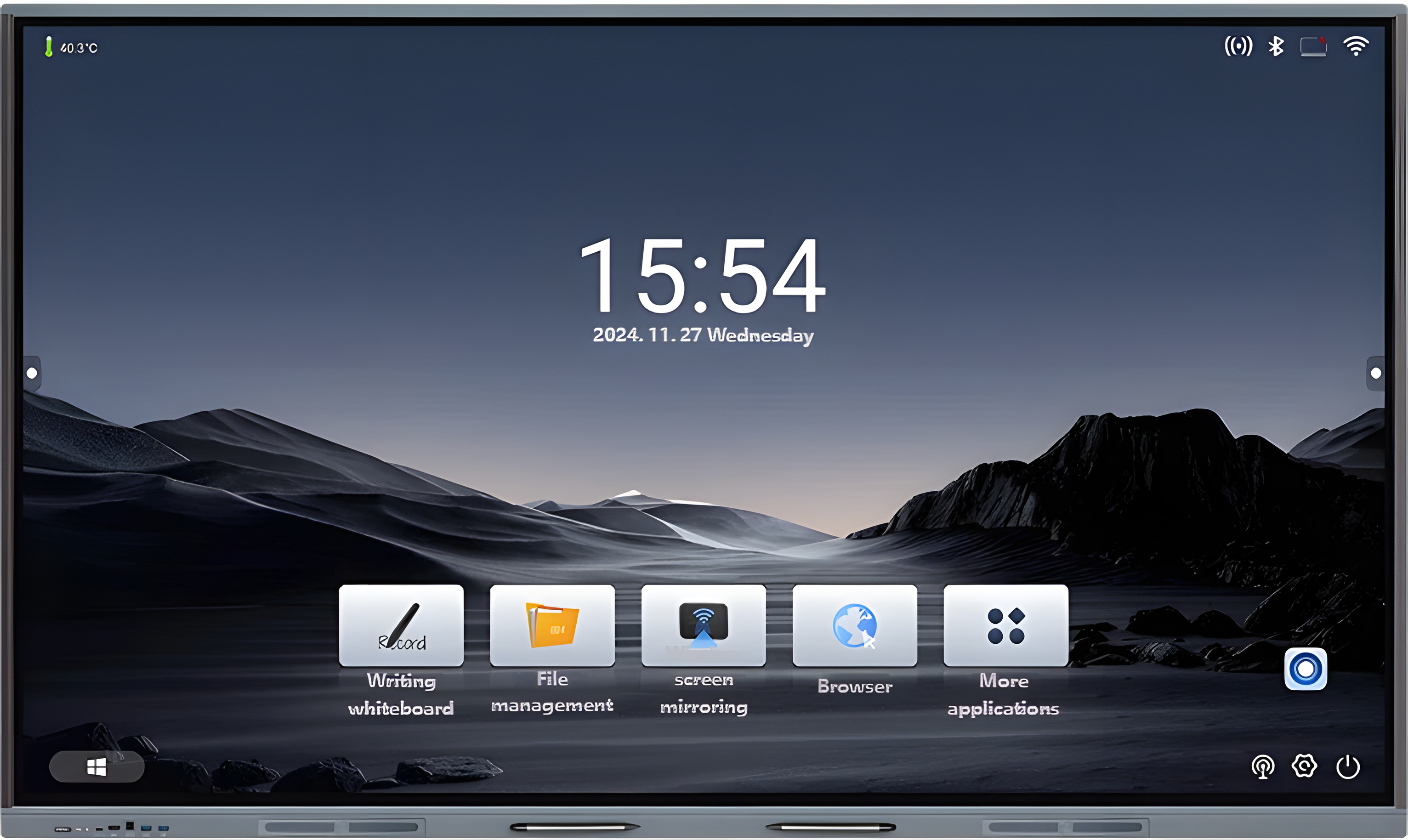
The result is a single device that supports the full range of collaborative activities an organisation needs: presenting, annotating, brainstorming, video conferencing, and sharing content. A multi touch panel in Malaysia classrooms and boardrooms is no longer a luxury — it has become the standard tool for bringing people and ideas together. You can see the full specification of our flagship model on the [86-inch interactive smart board](/products/interactive-smart-board-86) product page.
Interactive Display Board vs Traditional Whiteboard
The traditional whiteboard has served classrooms and meeting rooms for decades, but it has clear limitations in a digital workflow. Notes written on a whiteboard cannot be saved, shared, or revisited later. There is no support for video, images, or interactive applications. And only one person can realistically write at a time. An interactive display board solves all of these problems while keeping the familiar experience of writing on a large surface.
The table below summarises the key differences between a traditional whiteboard and an interactive display board:
| Feature | Traditional Whiteboard | Interactive Display Board |
|---|---|---|
| Writing method | Manual writing with markers | Digital writing with touch or stylus |
| Saving notes | Cannot save notes — erased after each session | Save, export, and share notes digitally |
| Multimedia support | Limited to static text and diagrams | Full video, image, and application support |
| Collaboration | One person writes at a time | Multiple users write and interact simultaneously |
| Connectivity | No connectivity | Wireless screen sharing and video conferencing |
| Operating system | None | Android and Windows application support |
| Long-term cost | Low upfront, recurring marker and cleaning costs | Higher upfront, no consumables, longer lifespan |
For most Malaysian schools and businesses, the move from a traditional whiteboard to an interactive display board is not about replacing one writing surface with another — it is about upgrading from a static, single-purpose tool to a connected, multi-purpose collaboration platform.
Interactive Display Board vs Projector
Another common comparison is between an interactive display board and a traditional projector. For many years, the projector was the default large-screen display in classrooms and meeting rooms, but it has significant drawbacks in a modern, collaborative environment. The two technologies differ across image quality, maintenance, touch interaction, and collaboration.
- Image quality: A projector depends on a bulb projecting light onto a surface, so the image washes out in bright rooms and loses contrast. An interactive display board produces its own light with a 4K UHD panel, staying crisp and vivid in any lighting — no dimming required.
- Maintenance: Projector bulbs degrade and need replacement every few thousand hours, with filters to clean and colour that fades over time. An interactive display board has no bulbs and a panel lifespan of over 50,000 hours, with no recurring consumable costs.
- Touch interaction: A projector only displays content — there is no native touch. An interactive smart board offers full multi-touch, letting users write, draw, and manipulate content directly on the screen.
- Collaboration: A projector is a one-way presentation tool. An interactive display board supports multiple simultaneous users, wireless casting, digital whiteboarding, and built-in video conferencing for hybrid participation.
For a deeper, side-by-side breakdown — including a feature comparison and recommendations for Malaysian schools — read our dedicated guide: [Interactive Smart Board vs Projector: Which Is Better for Malaysian Schools?](/blog/interactive-smart-board-vs-projector-malaysian-schools).
Key Features to Look For in an Interactive Display Board
Not all interactive display boards are equal. When comparing models, the following features have the biggest impact on day-to-day usability and long-term value. Here is what to look for before you buy an interactive smart board in Malaysia.
1. 4K UHD Resolution
A 4K UHD display ensures that text, diagrams, and images stay sharp and readable from every seat in the room. Lower resolutions look soft at large sizes and strain the eyes during long sessions. 4K is now the standard for any serious interactive display board.
2. Multi-touch Capability
Multi-touch allows several users to write and interact at the same time. Look for at least 40 touch points for true collaborative use in classrooms and meeting rooms. This is what makes a board a genuine multi touch panel rather than a single-user screen.
3. Touch Accuracy
Touch accuracy determines how precisely the board registers where you write. A precision of around 1mm makes handwriting feel natural and lets users draw fine details confidently. Poor accuracy makes writing feel laggy and imprecise.
4. Wireless Sharing
Wireless screen sharing lets teachers, students, and meeting participants cast content from their own laptops, tablets, or phones without cables. This is essential for collaborative sessions and removes the friction of adapters and HDMI cables.
5. Built-in Camera and Microphone
For hybrid lessons and meetings, a built-in 4K camera and a multi-array microphone with echo cancellation ensure remote participants are seen and heard clearly. This eliminates the need for separate conferencing hardware and supports hybrid learning out of the box.
6. Operating System Flexibility
Dual-OS support — running both Android and Windows on the same board — gives you access to the full ecosystem of educational and business applications without choosing one platform. Teachers and presenters can switch between Android apps and Windows software instantly, with no reboot.
Applications of Interactive Display Boards
Interactive display boards are versatile by design, which is why they have been adopted across education, corporate, and government sectors. The same hardware adapts to very different use cases — a teaching aid in the morning, a collaboration hub in the afternoon, and a video conferencing endpoint by evening.
Education
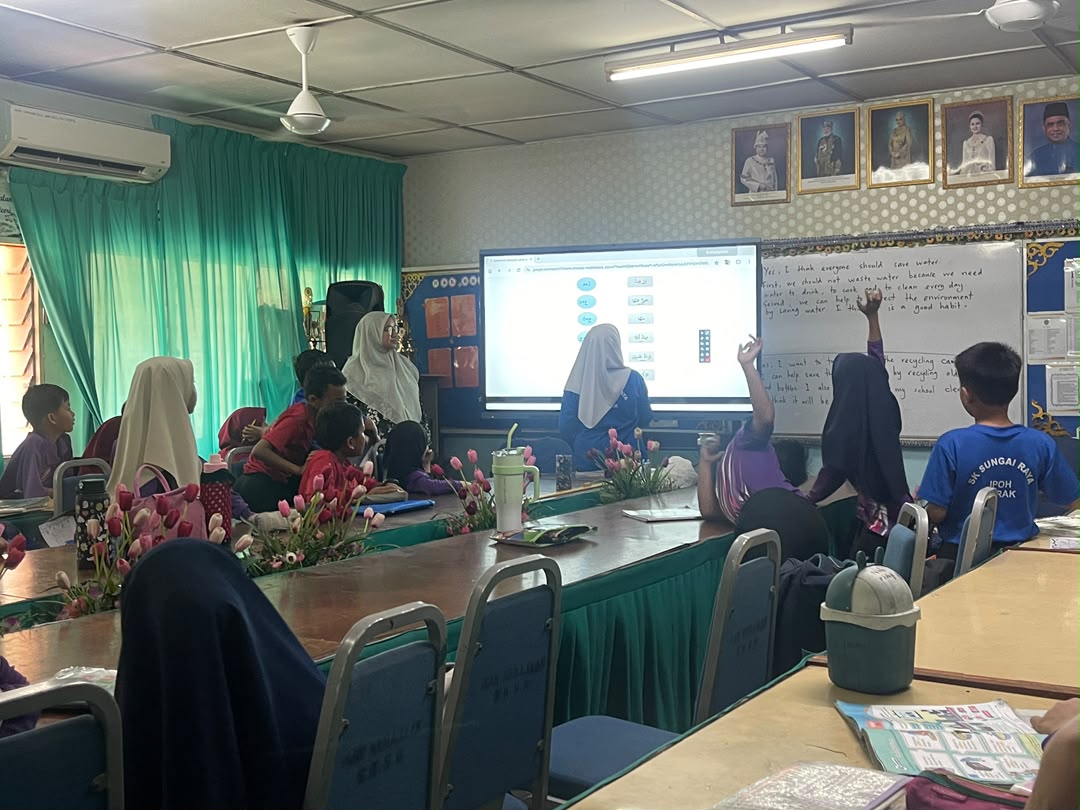
In Malaysian classrooms, an interactive display board transforms passive lectures into active, participatory lessons. With 40-point multi-touch, multiple students can work at the board simultaneously — solving problems together, annotating diagrams, and presenting group work. Teachers can pull up videos, annotate over them live, and save the annotated version for revision. Wireless casting lets students share their own work for discussion, while lesson recording supports absent students and revision. Explore our dedicated [education solutions](/solutions/education) for deployment details.
Corporate
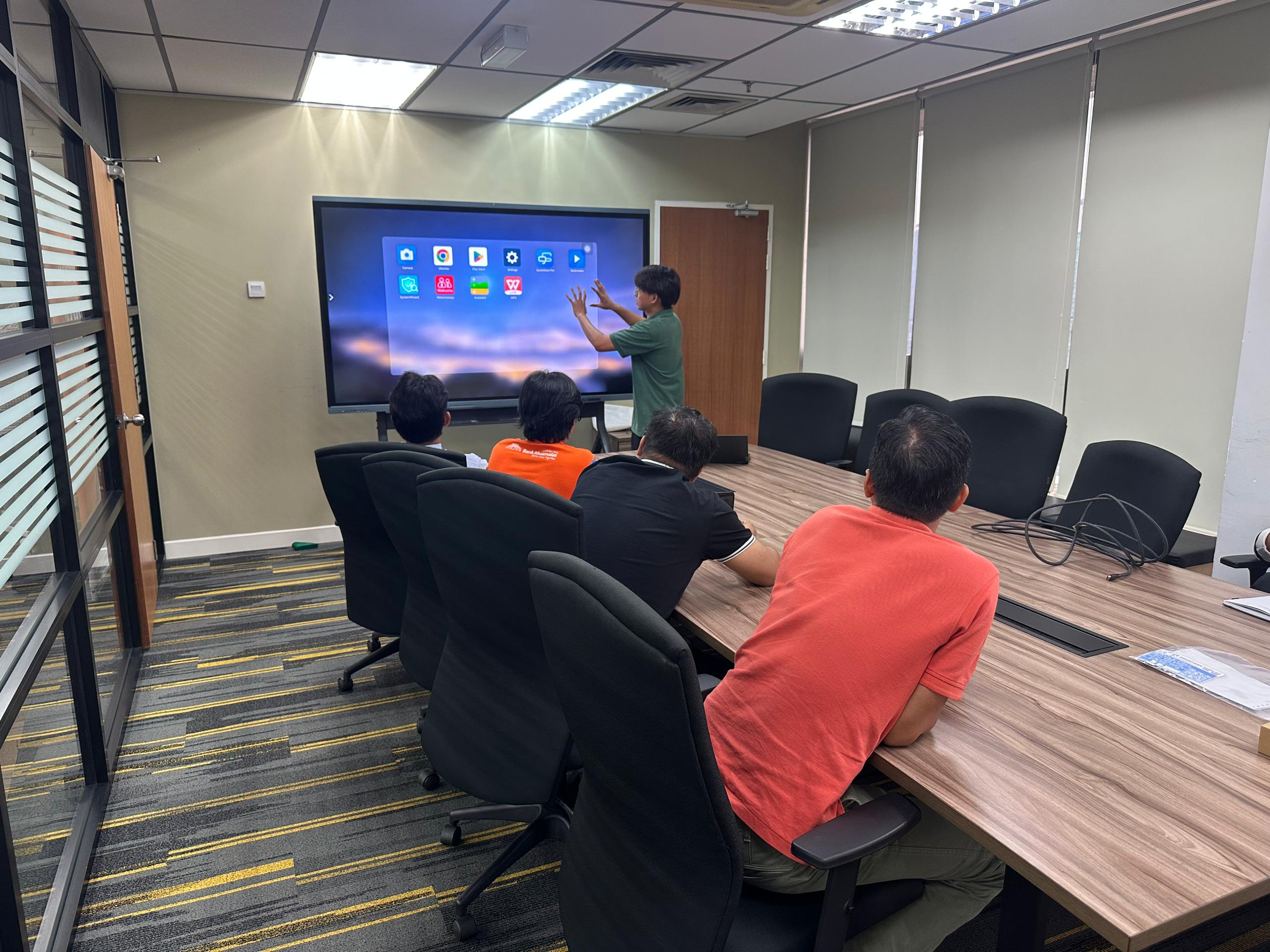
In corporate meeting rooms, an interactive smart board elevates every meeting — from daily stand-ups to executive presentations. Presenters can annotate live over slides, switch between Windows applications and Android apps without rebooting, and save all annotations for distribution after the meeting. Wireless casting means anyone in the room can share their screen instantly, and the integrated camera and microphone make hybrid meetings feel natural. See our [corporate solutions](/solutions/corporate) for full deployment options.
Government
Government departments and agencies use interactive display boards in training rooms and briefing halls to support engaging, interactive sessions. Participants can annotate, collaborate, and participate actively rather than passively watching a slideshow, while integrated audio-visual capabilities support hybrid briefings across multiple locations. For tender-ready documentation and compliance support, explore our [government solutions](/solutions/government).
How to Choose the Right Interactive Display Board in Malaysia
Choosing the right interactive display board comes down to matching the hardware to your space, your purpose, and your support requirements. Here are the key decisions to make before you buy.
- Screen size: The single most important decision. A board that is too small leaves people at the back straining to see; one that is too large overwhelms a compact room.
- Room size: Match the board to the room. Small huddle spaces suit a 75-inch, standard classrooms and meeting rooms suit an 86-inch, and large lecture halls and boardrooms suit a 98-inch flagship.
- Usage purpose: A classroom needs multi-touch and lesson recording; a boardroom needs conferencing hardware and wireless casting; a training room needs annotation and sharing.
- Software requirements: Confirm the board runs the applications your team relies on — Android apps, Windows software, or both through dual-OS support.
- Warranty and local support: Choose a Malaysia-based supplier offering local warranty and rapid onsite support so you are never left waiting when you need help.
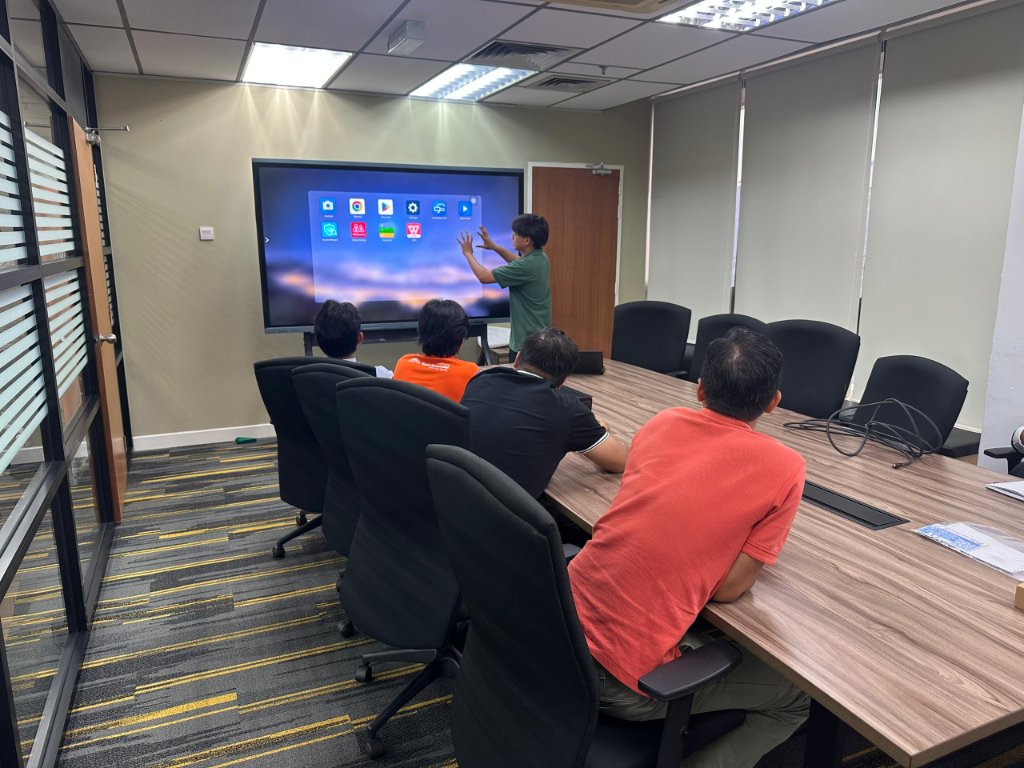
Muju Smart offers three sizes to suit every environment across Malaysia. Compare them below to find the right fit for your space:
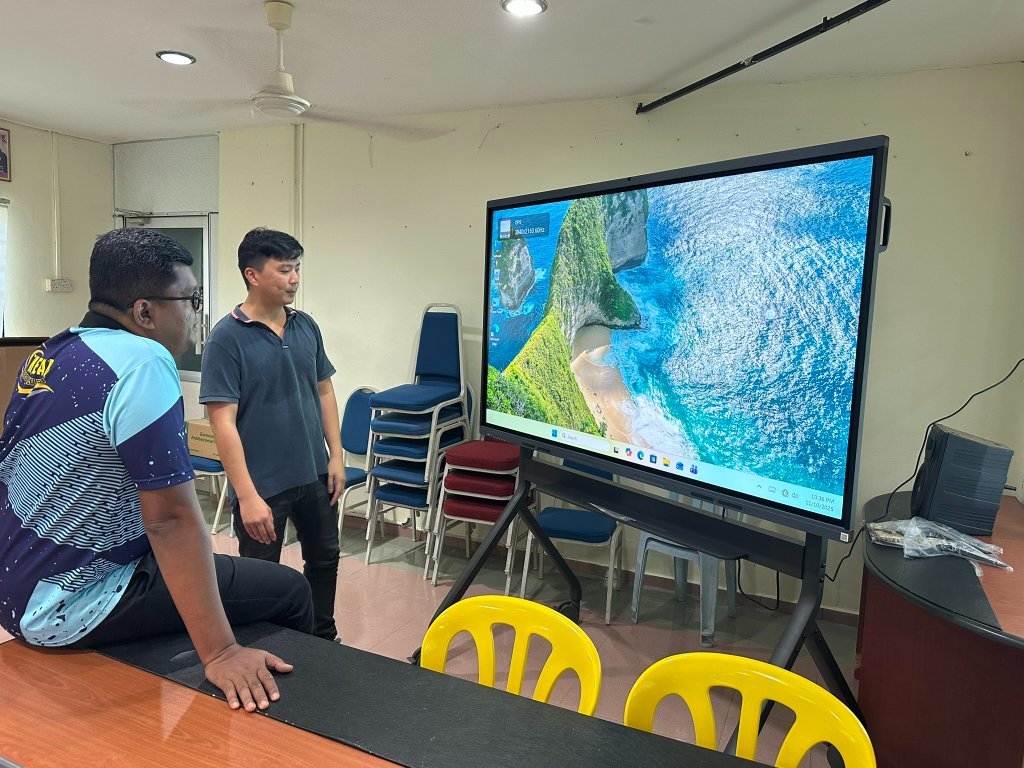
75-Inch Interactive Smart Board
Recommended Environment
Compact powerhouse for smaller learning and meeting spaces where a full-size board would be excessive.
- Small classrooms
- Training rooms
- Huddle spaces
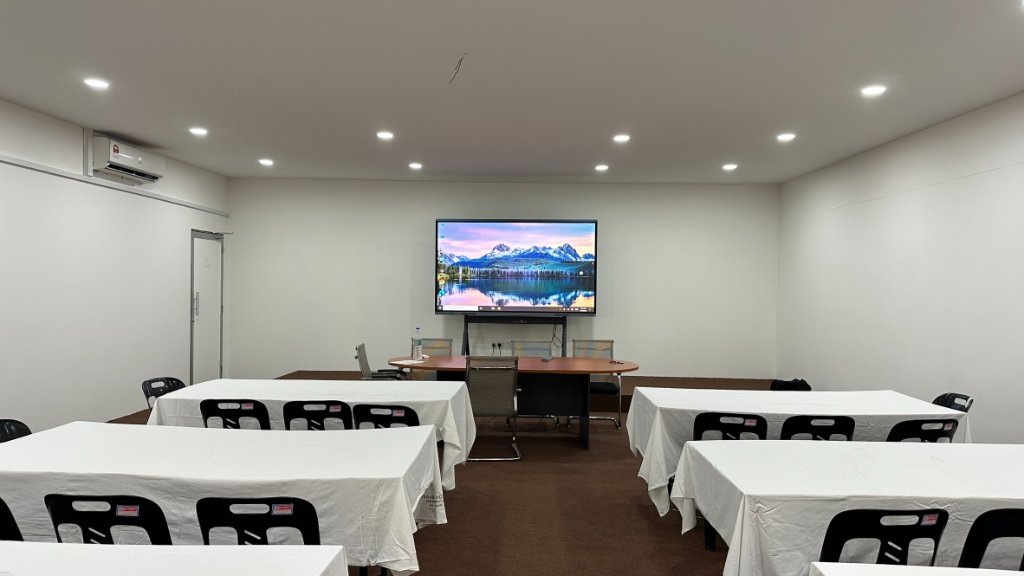
86-Inch Interactive Smart Board
Recommended Environment
Our most popular all-rounder, suited to the majority of Malaysian classrooms and meeting rooms.
- Standard classrooms
- Universities
- Corporate boardrooms
98-Inch Interactive Smart Board
Recommended Environment
Flagship display for large spaces where maximum visibility and impact are essential.
- Lecture halls
- Large training rooms
- Executive boardrooms
For a more detailed walkthrough of the buying process — including sizing, features, and what to look for in a supplier — read our complete [Interactive Smart Board Malaysia Buying Guide](/blog/interactive-smart-board-malaysia-buying-guide).
Ready to Upgrade Your Classroom or Boardroom?
FAQ
Frequently Asked Questions
Related Reading
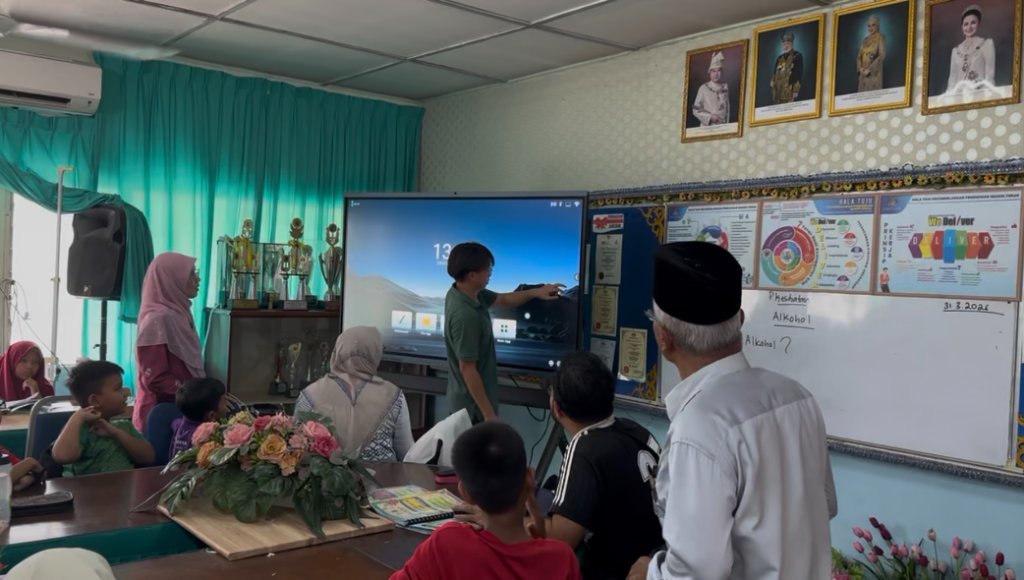
Interactive Smart Board Malaysia Buying Guide
A comprehensive guide to choosing the right interactive smart board in Malaysia for schools, offices, and government sectors.
Read Buying Guide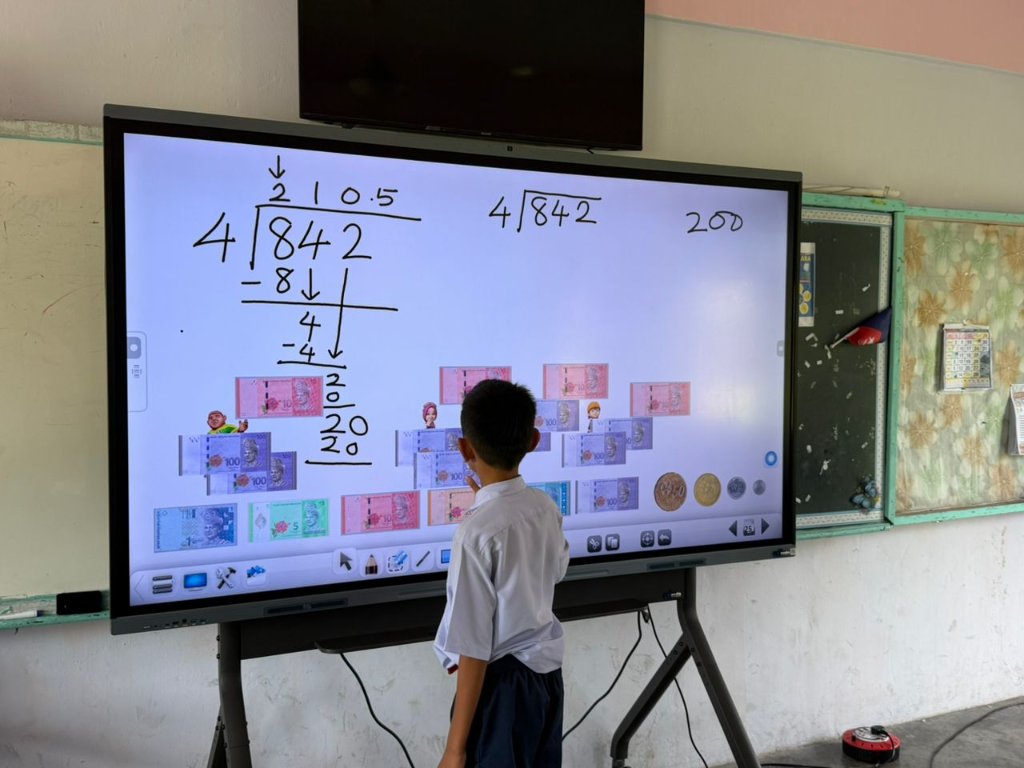
Interactive Smart Board vs Projector for Malaysian Schools
A side-by-side comparison of interactive smart boards and projectors to help Malaysian schools choose the right display.
Read Comparison GuideRelated Products & Solutions
Related Articles
Interactive Smart Board Malaysia: Complete Buying Guide for Schools, Offices and Government
A comprehensive guide to choosing the right interactive smart board in Malaysia — covering sizes, features, and solutions for schools, corporate offices, and government departments.
Read articleInteractive Smart Board vs Projector: Best Choice for Malaysian Schools
Compare interactive smart boards and projectors for Malaysian schools. Learn why modern classrooms are adopting interactive smart board technology for better teaching and collaboration.
Read articleHow SMART Interactive Boards Transform Malaysian Classrooms
From passive lectures to active collaboration — discover how interactive display technology is reshaping education across Malaysia.
Read articleChoosing the Right Interactive Display for Your Boardroom
Size, camera, microphone, OS — what really matters when selecting an interactive board for your corporate meeting room?
Read article